
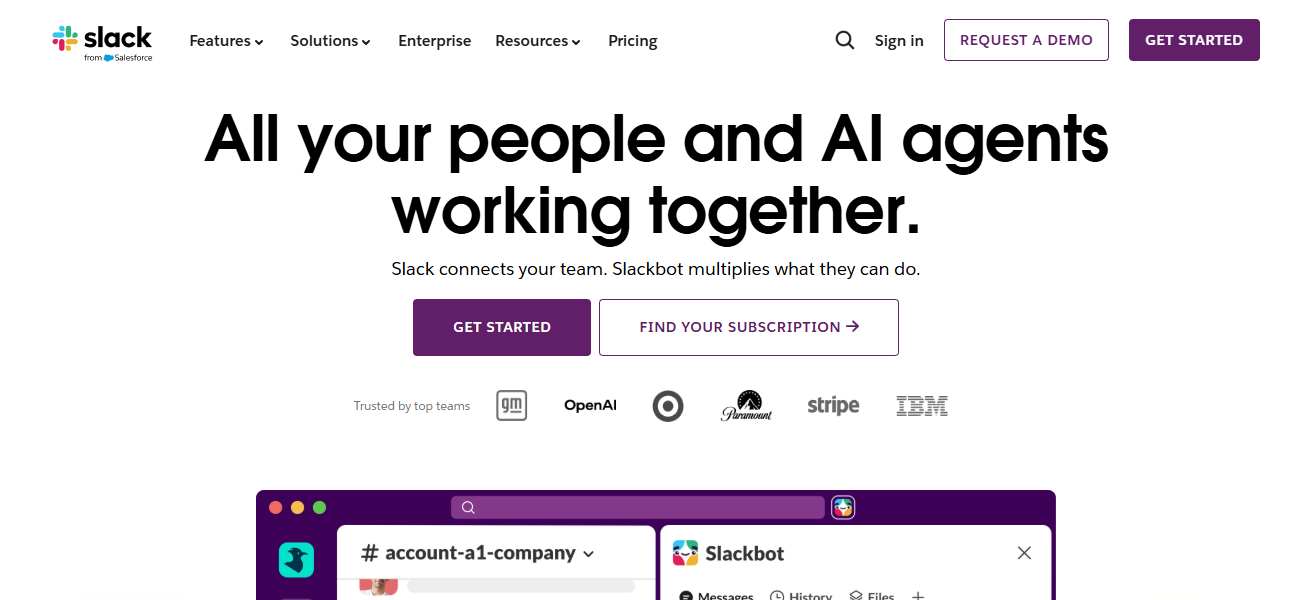
In this article, I will discuss the Best Slack Alternatives for Better Collaboration that help teams communicate more effectively and improve productivity.
With many modern tools available, businesses and remote teams now have better options beyond Slack. These alternatives offer features like messaging, video calls, file sharing, and integrations, making teamwork smoother, faster, and more efficient across different work environments.
Key Points & Best Slack Alternatives For Better Collaboration
| Tool | Best For |
|---|---|
| Microsoft Teams | Enterprises, Office integration |
| Discord | Communities, casual workplaces |
| Mattermost | Developers, enterprises |
| Google Chat | Google Workspace users |
| Rocket.Chat | Enterprises needing control |
| Twist | Async communication |
| Flock | Small businesses |
| Chanty | Small teams |
| Zulip | Complex discussions |
| Wire | Privacy-focused organizations |
10 Best Slack Alternatives for Better Collaboration
1. Microsoft Teams
Microsoft Teams is one of the most potent Slack alternatives, but it becomes especially powerful for organizations that use Microsoft 365. It is everything you need across chat, video conferencing, file sharing and collaboration in one place. Additionally, Teams integrates closely with Word, Excel, Outlook and OneDrive to streamline workflow across an enterprise.
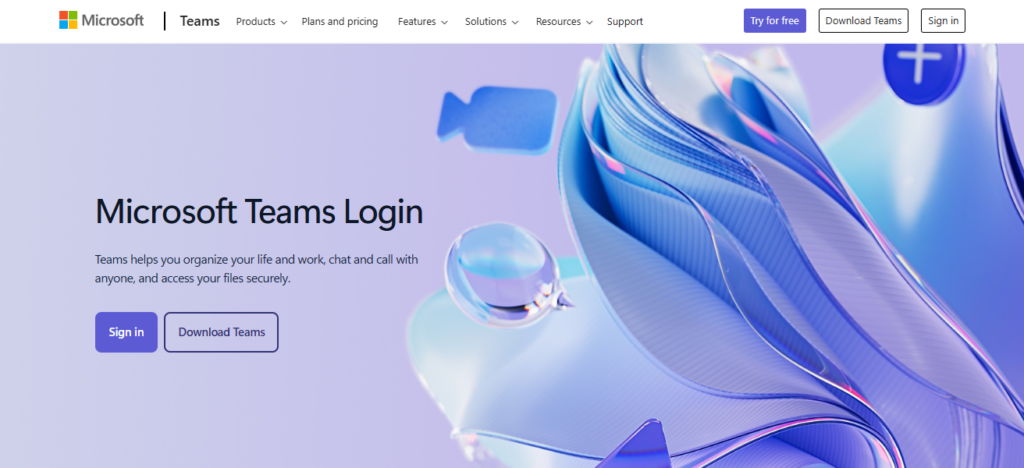
It has support for channels, threaded conversations, meetings and webinars. Security and compliance features are well-suited for enterprise and government use. Teams also supports real-time document collaboration.
While the interface can be intimidating for a novice, its all-in-one ecosystem is perfect for organizations that are structured, organized and productivity-oriented.
| Feature | Description |
|---|---|
| Chat & Channels | Supports organized team chats, channels, and threaded conversations for structured communication. |
| Video Meetings | High-quality video conferencing with screen sharing, webinars, and live meetings. |
| Microsoft 365 Integration | Seamlessly works with Word, Excel, PowerPoint, Outlook, and OneDrive. |
| Enterprise Security | Advanced security, compliance, and admin controls for large organizations. |
2. Discord
Discord is a powerful communication tool that started as an online platform to connect gamers with friends, brands and other communities. It enables real-time voice channels, video calls, text chat and screen sharing.
Where Slack is focused on building your organization by breaking down silos, Discord encourages informal communication and fast-paced conversations dedicated to community building.
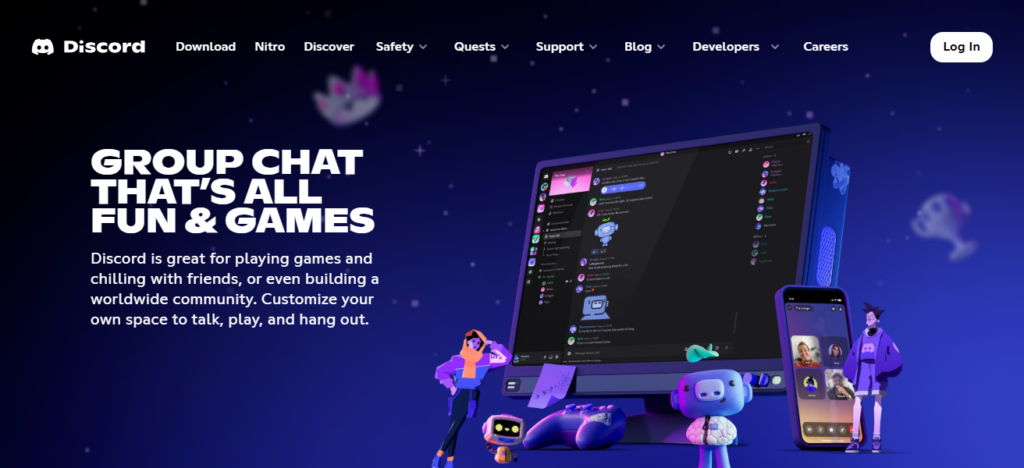
Roles, bots and automation tools Customization on servers Strong features that is also very scalable for large groups and Free to use. But it has some way to go before offering powerful enterprise features such as formal project management. Yet its speed, voice quality and simple interface make it a powerful Slack alternative for informal or creative teams.
| Feature | Description |
|---|---|
| Self-Hosting | Allows organizations to host their own server for full data control. |
| Secure Messaging | Built with strong security and compliance for enterprise use. |
| DevOps Integration | Supports CI/CD tools, GitHub, Jenkins, and developer workflows. |
| Customization | Highly customizable with plugins and API support. |
3. Mattermost
Mattermost is an open-source Slack alternative built for organizations that require complete control over their communication data. It is also self-hosted which makes it perfect for security- or compliance-sensitive organizations. Includes — channels, messaging, file sharing, integrations and DevOps workflows. It has used widely by technical teams, government and enterprises.

Mattermost also offers extensive customization and integrations with in-house systems. Although technically involved to set up, and demanding to maintain, this method grants unique levels of both privacy and flexibility. Its interface resembles that of Slack, making it easy for teams to switch. Ideal for security-focused and developer-driven organizations.
| Feature | Description |
|---|---|
| Self-Hosting | Allows organizations to host their own server for full data control. |
| Secure Messaging | Built with strong security and compliance for enterprise use. |
| DevOps Integration | Supports CI/CD tools, GitHub, Jenkins, and developer workflows. |
| Customization | Highly customizable with plugins and API support. |
4. Google Chat
Google Chat is a lightweight and easy-to-use Slack alternative that’s built-in to Google Workspace. It works directly in sync with Gmail, Google Drive, Docs, and Google Meet making collaboration easy within the same ecosystem.
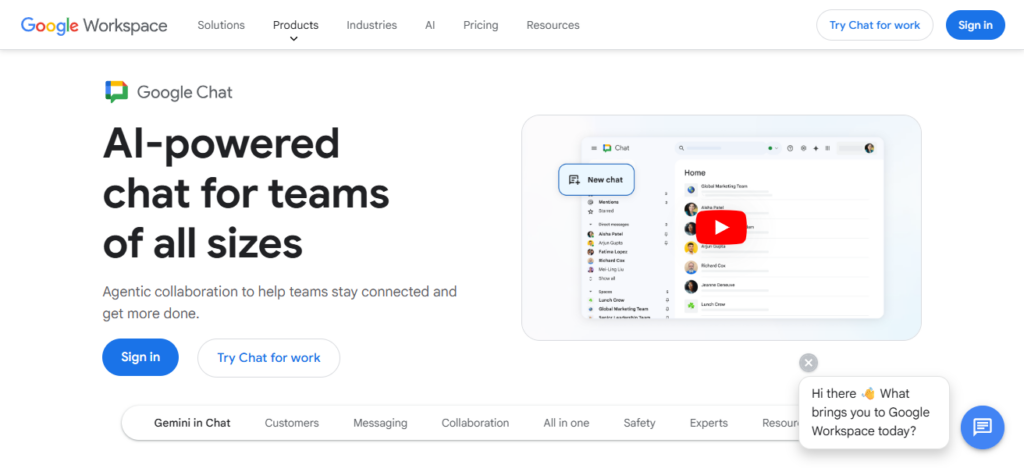
Users can set up “Spaces” for team brainstorming, projects or departments. It inhibits threaded messaging, file sharing, and real-time collaboration. Google Chat is simple and easy to use, perfect for small and medium businesses that are already using Google services.
Although it does not offer the more advanced customization options that are available in Slack, its simplicity and integration with Google tools allow everyone to be highly productive for day-to-day business communication and teamwork.
| Feature | Description |
|---|---|
| Workspace Integration | Works directly with Gmail, Drive, Docs, and Google Meet. |
| Spaces | Organized group chats for teams and projects. |
| Threaded Conversations | Keeps discussions structured and easy to follow. |
| File Sharing | Easy sharing and collaboration using Google Drive. |
5. Rocket.Chat
Rocket. Chat is an open-source communication platform with full customization capabilities and self-hosting. It is favored by organizations looking for data privacy and control.
This service includes chat and video calls, as well as file sharing and integration with other services. The on-premise deployment is also supported which makes it fit for government, healthcare and enterprise environments. Its features are programmable by developers, who can also build bots and extend functionality.
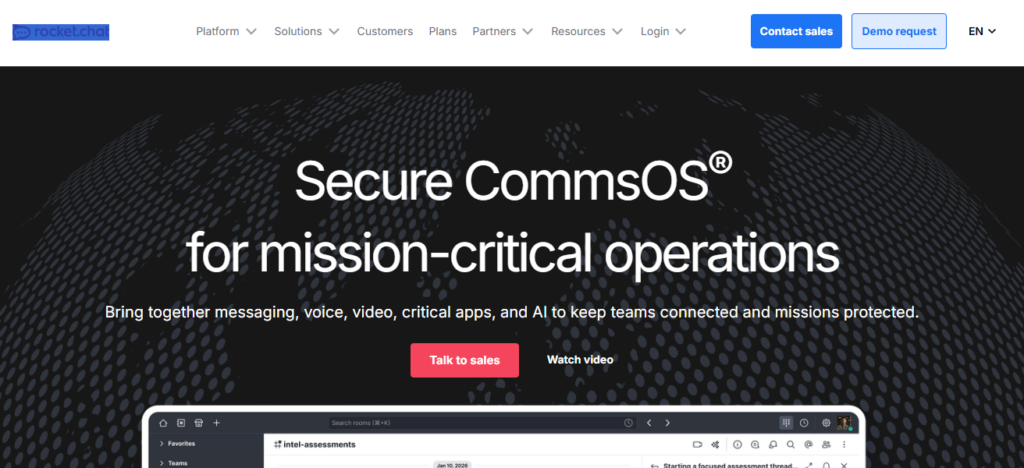
While the setup is a bit complicated, it offers unrivaled flexibility and security. Rocket. Chat is perfect for teams that prefer a Slack-like experience and full control over their communication infrastructure.
| Feature | Description |
|---|---|
| Open Source | Fully open-source platform with customization flexibility. |
| Self-Hosting | Can be deployed on-premise for full data control. |
| Multi-Channel Support | Includes chat, voice, video, and live chat options. |
| Integration Support | Connects with CRM, APIs, and external business tools. |
6. Twist
Twist is built for async conversations, so the noise and signal loss of real-time chat apps are avoided. Rather than fast-flowing chats, it threads talk into discussions, easy to follow and organized.
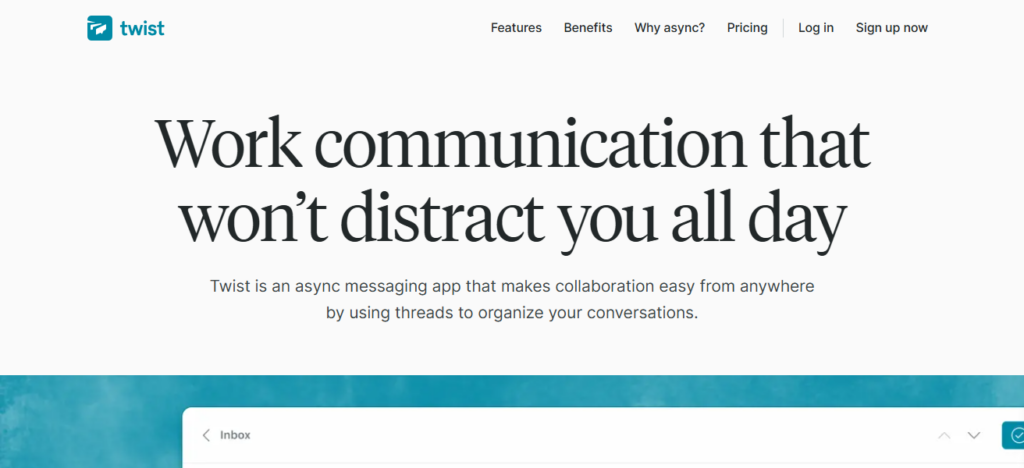
It’s ideal for remote teams that prioritize deep work and productivity. So notifications are minimized, to prevent interruption. Twist also integrates with your productivity tools and long-term searchable conversations.
It might feel a bit less rapid-fire than something like Slack, but it helps teams stay organized and on task. Best for: Companies that value thoughtfulness of communication over blustering messaging havoc.
| Feature | Description |
|---|---|
| Thread-Based Chat | Conversations organized into structured threads. |
| Asynchronous Communication | Designed for slow, distraction-free team discussions. |
| Reduced Notifications | Minimizes alerts to improve focus and productivity. |
| Searchable History | Easy access to past conversations and discussions. |
7. Flock
Flock – Flock is a no frills team communication tool that brings together messaging, video calls and productivity features in one location. It also offers channels, to-do lists, reminders and the ability to share files, making this a lightweight Slack alternative. Flock is aimed at small to mid-sized teams that want collaboration tools sans complexity.
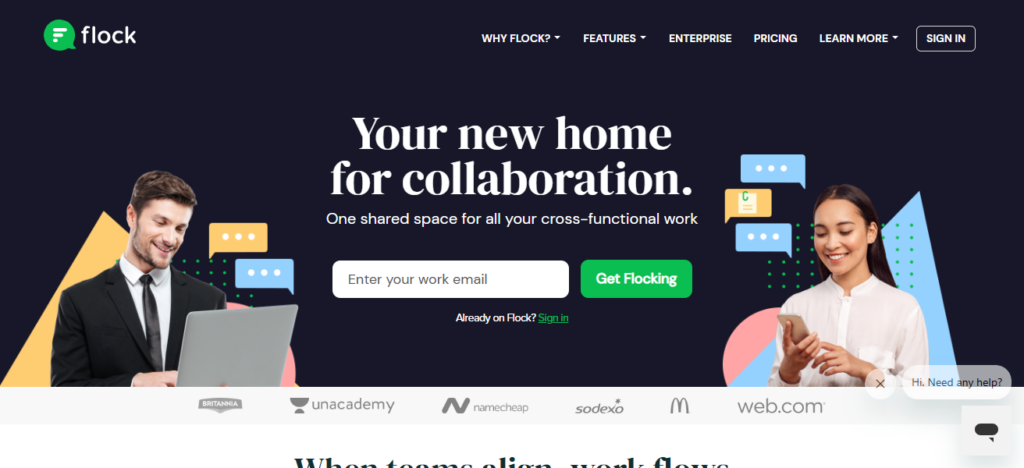
It has a simple UI and supports integration with popular apps. Although it doesn’t have as much functionality as enterprise solutions, everything you need for daily collaboration being here makes up for that. It’s an effective, affordable Slack alternative with its balance of communication and task management features.
| Feature | Description |
|---|---|
| Team Messaging | Simple channels and direct messaging for teams. |
| Built-in Tools | Includes to-do lists, reminders, and notes. |
| Video Calls | Supports voice and video conferencing. |
| App Integrations | Connects with productivity and business apps. |
8. Chanty
Chanty is a lean team chat tool for productivity and simplicity. It includes messaging, audio/video calls and built-in task management. Users are also able to turn any message into a task and assign it to team members, increasing the workflow efficiency.
Chanty provides unlimited message history on any plan, including its free one, so you are covered for long-term collaboration. It connects with Google Drive, Trello and GitHub.
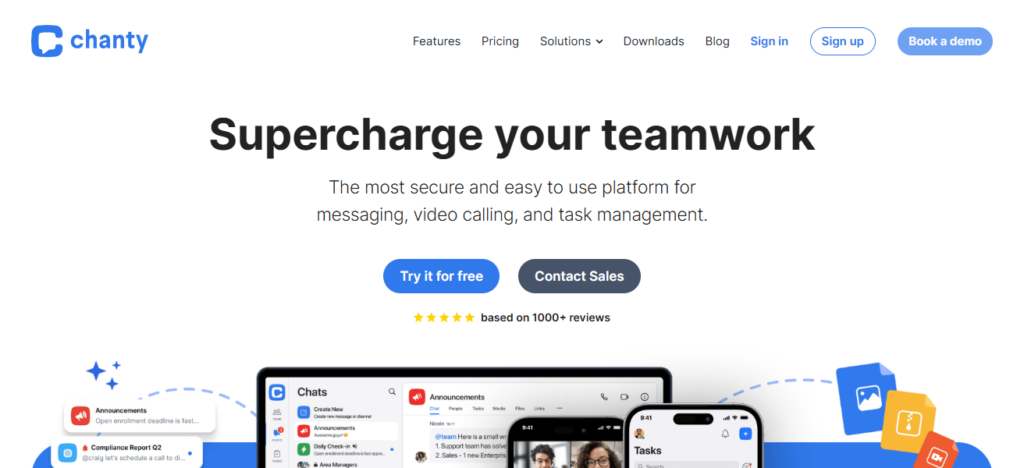
Chanty comes with a clean interface and has a more manageable learning curve, designed for small to mid-sized teams so that you can move Fast and Keep You Organized.
| Feature | Description |
|---|---|
| Task Management | Convert messages into tasks and assign them easily. |
| Unlimited History | Free plan includes full message history access. |
| Audio & Video Calls | Built-in communication tools for teams. |
| Simple Interface | Clean and easy-to-use design for quick adoption. |
9. Zulip
Zulip is a Slack competitor that features what we think is the soundest threading system out there. Messages are organized into topics within streams, allowing teams to keep conversations structured and easy to follow as opposed to traditional chat streams. It is particularly obtainable on the other teams; developers, engineers.
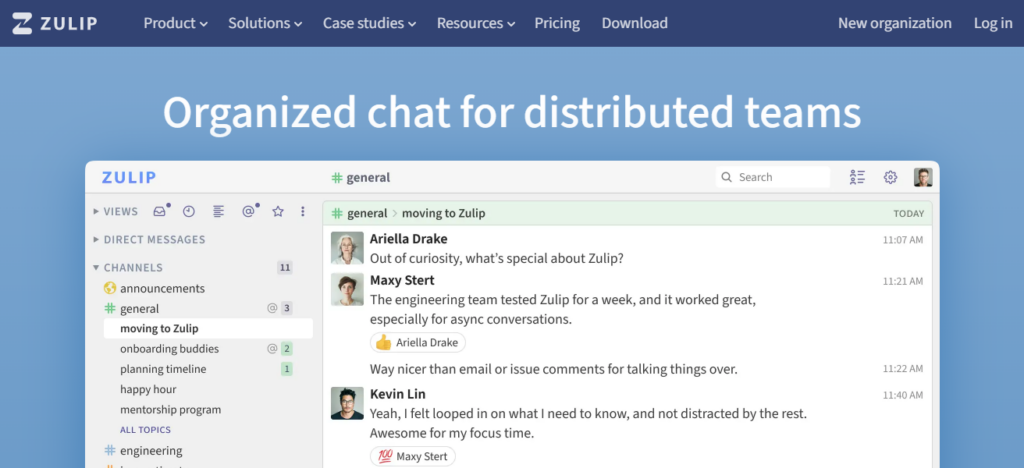
Zulip is open-source, self-hosted and has lots of integrations and powerful notification controls. It enables asynchronous communication whilst also supporting real-time chat.
And while its interface has a different feel than Slack, it cuts down on message clutter immensely. Zulip is a great option for teams that need highly formatted and searchable communication.
| Feature | Description |
|---|---|
| Topic-Based Threads | Messages organized by topics within streams. |
| Asynchronous Chat | Supports both real-time and delayed communication. |
| Open Source | Fully open-source with strong developer support. |
| Powerful Search | Advanced search for tracking conversations easily. |
10. Wire
It is a privacy-focused communication platform that prioritizes your security with end-to-end encryption. It includes messaging, voice/video calls, file sharing, and collaboration tools. Wire is popular among companies, governments, and other organizations that take their data privacy seriously.
It also offers cross-device syncing and strict compliance standards. “Unlike Slack, which focuses on integrations and productivity tools, Wire is all about confidentiality and the secure exchange of information.
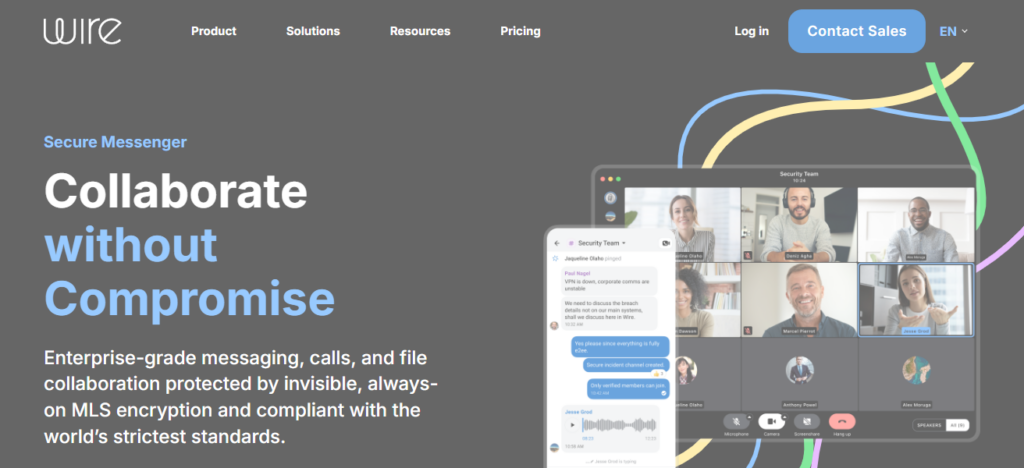
It additionally backs for external cooperation guest rooms. It may not have as many integrations available as Slack, but its strong encryption and privacy-first design make it perfect for security-sensitive environments.
| Feature | Description |
|---|---|
| End-to-End Encryption | Strong privacy protection for all communications. |
| Secure Calls | Encrypted voice and video conferencing. |
| File Sharing | Secure sharing of documents and media. |
| Cross-Device Sync | Works seamlessly across mobile, desktop, and web. |
Conclusion
Overall, the Best Slack Alternatives for Better Collaboration provide numerous tools and options that can accommodate different team needs, whether you prefer a full-fledged enterprise solution like Microsoft Teams or something less formal like Discord and Mattermost.
Such platforms enhance communication, productivity, and teamwork. The right solution for you will be based on the size of your business, what exactly you want to accomplish with it and the features you will need in order to collaborate smoothly and efficiently.
FAQ
Why should I consider Slack alternatives?
Slack alternatives are useful for reducing cost, improving integration with other tools, increasing security, or getting simpler interfaces. Many platforms also offer free plans or self-hosting options that Slack may not provide.
Which Slack alternative is best for large companies?
Microsoft Teams is the best choice for large companies due to its enterprise security, scalability, and deep integration with Microsoft 365 tools like Word, Excel, and Outlook.
What is the best free Slack alternative?
Discord and Google Chat are among the best free Slack alternatives. They provide messaging, voice chat, and file sharing features suitable for small teams and startups.
Which Slack alternative is best for developers?
Mattermost, Rocket.Chat, and Zulip are ideal for developers because they support open-source customization, integrations with DevOps tools, and advanced workflow control.
