


In this article, I’m going to cover the Best FreshBooks Alternatives for Invoicing to help freelancers, small businesses, and growing companies find the right billing solution. We’ll look at popular tools based on payment collection options, expense tracking,
time tracking, integrations, pricing structures, scalability, and mobile app availability, to make it easier to compare features and choose software that fits your business needs and budget.
Key Points & Best FreshBooks Alternatives for Invoicing
- Wave: Offers free invoicing, payment tracking, and basic accounting tools for freelancers and small businesses.
- Xero: Provides customizable invoices, automated reminders, expense tracking, and comprehensive accounting features for growing businesses.
- QuickBooks Online: Combines professional invoicing, payment processing, tax tracking, and financial reporting in one platform.
- Zoho Invoice: Delivers customizable invoices, automated payment reminders, time tracking, and client management for service businesses.
- Invoice Ninja: Supports recurring invoices, online payments, expense tracking, and customizable billing workflows for independent professionals.
- Invoice Simple: Makes creating, sending, and managing professional invoices straightforward for freelancers and small business owners.
- Harvest: Combines time tracking, project budgeting, expense management, and invoicing for agencies and consultants.
- Bonsai: Integrates invoicing, contracts, proposals, expense tracking, and client management for freelancers and creative professionals.
- Moxie: Helps freelancers manage invoicing, contracts, client communication, projects, and business finances through one platform.
- InvoiceBerry: Simplifies invoice creation, recurring billing, expense tracking, and payment management for freelancers and small businesses.
10 Best FreshBooks Alternatives for Invoicing
1. Wave
Wave is one of the best FreshBooks alternatives for invoicing because it combines invoicing with basic accounting features. The free Starter plan allows unlimited invoices, and eligible customers can pay with supported card and bank methods through online payments.
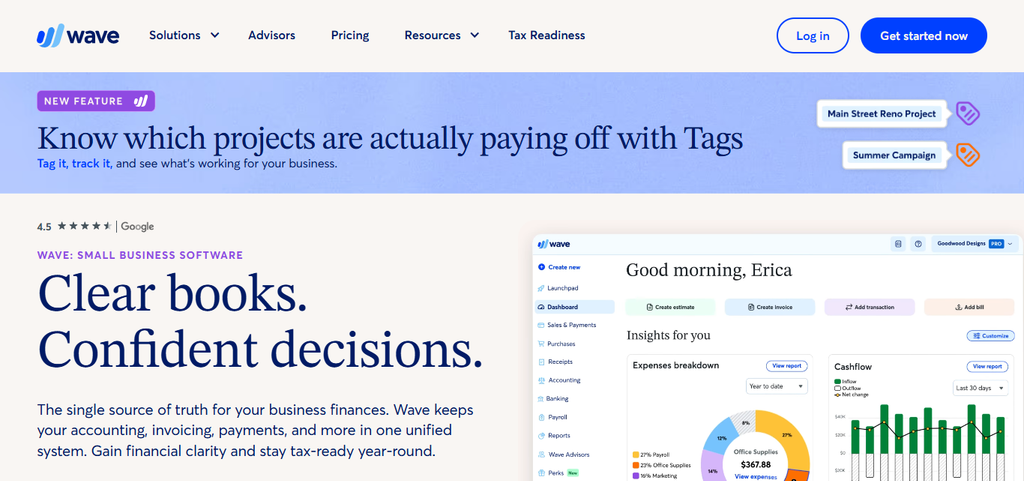
The Pro plan also includes expense tracking and automatic categorization of bank transactions. Wave also has a mobile app that lets you create and send invoices on the go.
Check for integrations and payment methods available in your location and workflow. Its free entry point is great for smaller businesses and the paid features will support growing invoicing needs.
Wave Pros & Cons
| Pros | Cons |
|---|---|
| Offers a free invoicing plan for eligible users. | Some advanced features require a paid subscription. |
| Includes basic accounting and expense tracking. | Payment processing fees apply to eligible transactions. |
| Provides invoice customization and payment reminders. | Availability of payment services varies by country. |
| Suitable for freelancers and small businesses. | Advanced reporting and automation options are limited. |
2. Xero
Xero is a good FreshBooks alternative for businesses that need more than invoicing, such as broader financial management. It handles online invoices, quotes, payment services, bank reconciliation, receipt capture and financial reports. Link payment services to collect customer payments . Project tracking tools for time and cost management .
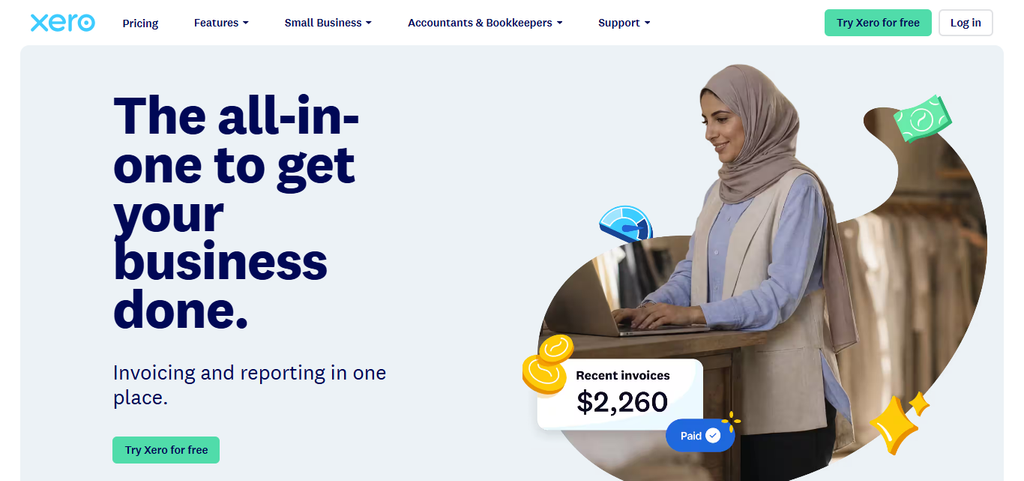
Some expense and project features may have an additional charge or require certain plans . Xero also has integrations with business applications and mobile apps for handling invoices away from the office. Its subscription plans cater to different sizes of businesses, which is helpful to companies that expect their accounting needs to grow as their operation grows.
Xero Pros & Cons
| Pros | Cons |
|---|---|
| Combines invoicing with comprehensive accounting features. | No permanently free standard subscription plan. |
| Supports bank reconciliation and financial reporting. | Some features require higher-tier plans or add-ons. |
| Integrates with numerous third-party business applications. | Beginners may face a learning curve. |
| Offers mobile apps for managing business finances. | Subscription costs can increase as needs expand. |
3. QuickBooks Online
QuickBooks Online is a top FreshBooks alternative for invoicing, bringing together billing, expense tracking, bookkeeping, and financial reporting. Customers can pay invoices via accepted payment methods, and businesses can monitor revenue, expenses, and outstanding payments.
Depending on the subscription, users can get access to recurring invoices, time entry, inventory, project profitability, and integrations with hundreds of applications. Access your business from supported devices with the mobile app.
Prices vary by plan and the number of users allowed increases with each subscription level, making it ideal for one-man operations or teams that require more sophisticated financial controls.
QuickBooks Online Pros & Cons
| Pros | Cons |
|---|---|
| Combines invoicing, bookkeeping, and financial reporting. | Monthly subscription fees apply. |
| Supports expense tracking and tax-related reporting. | Advanced features require higher-priced plans. |
| Offers integrations with many business applications. | Some users may find the interface complex. |
| Provides mobile access to financial information. | Payment processing may involve additional transaction fees. |
4. Zoho Invoice
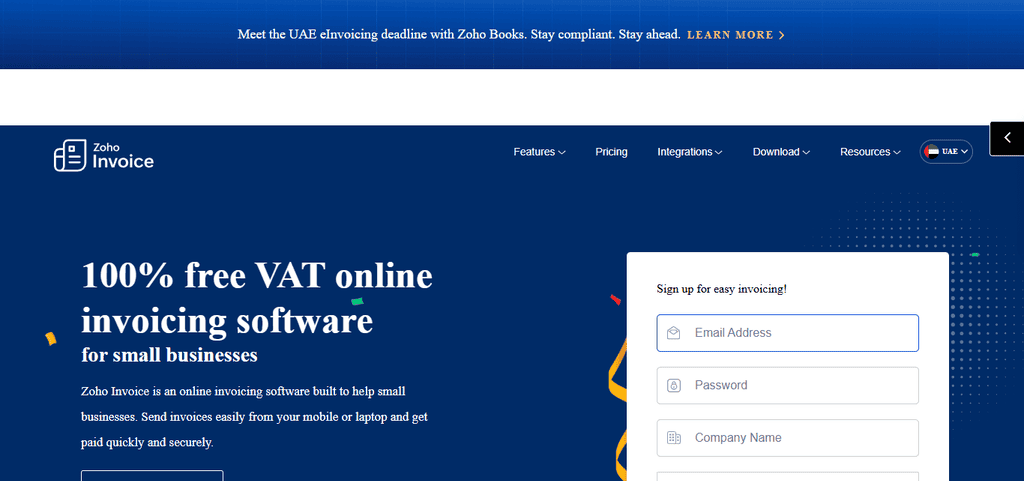
Zoho Invoice is a good FreshBooks alternative for invoicing because its core invoicing service is free and includes customizable invoices, recurring billing, payment reminders, and customer portals. It allows users to record and categorize expenses, track time, manage projects and generate business reports.
Payment collection is based on the supported gateways and the country of the user and includes integrations with services such as PayPal and Stripe in supported markets. Zoho Invoice also has iOS and Android apps and integrates with other Zoho products.
It’s appealing for freelancers and small businesses thanks to its no-subscription model, but it’s worth checking gateway fees and availability in your region before you pick it.
Zoho Invoice Pros & Cons
| Pros | Cons |
|---|---|
| Offers core invoicing features without a subscription fee. | Advanced accounting capabilities are more limited than full accounting platforms. |
| Supports recurring invoices and automated reminders. | Payment gateway availability varies by region. |
| Includes time tracking and customer portals. | Some integrations work best within the Zoho ecosystem. |
| Provides mobile apps for invoice management. | May not suit businesses needing advanced inventory management. |
5. Invoice Ninja
One of the best FreshBooks alternatives for invoicing freelancers and businesses that want flexible billing controls is Invoice Ninja. The free plan includes unlimited invoices for up to five clients, online payment via connected gateways, recurring invoices, deposits and partial payments, expense tracking, and billable time tracking.
Paid plans expand client capacity and unlock additional branding, reporting, and automation features. It has integrations with automation platforms and you can get access to the REST API on paid plans.
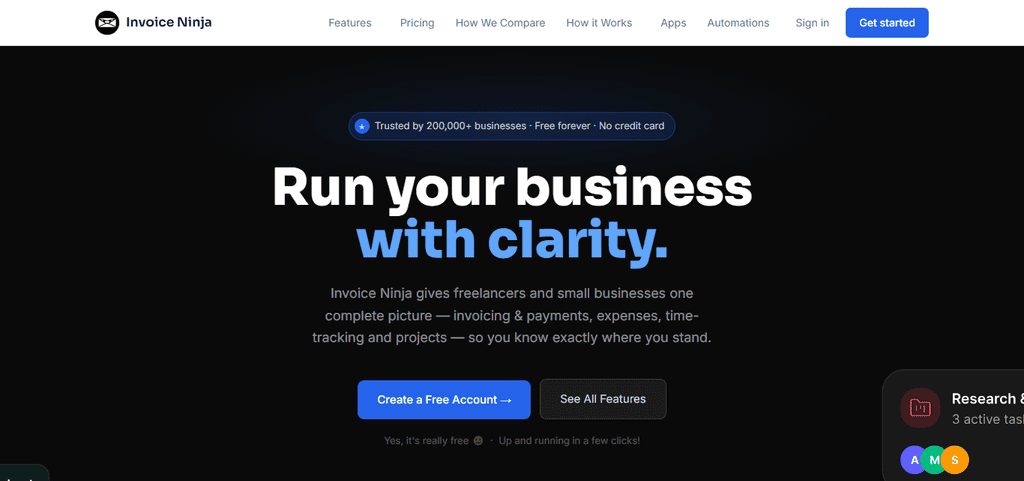
Invoice Ninja also features mobile applications for iOS and Android, in addition to desktop versions. Its flexible pricing and features are ideal for independent professionals and growing teams with more complex billing workflows.
Invoice Ninja Pros & Cons
| Pros | Cons |
|---|---|
| Offers a free plan with essential invoicing features. | The free plan limits the number of clients. |
| Supports recurring invoices and partial payments. | Some advanced features require paid plans. |
| Includes expense and time tracking. | Initial configuration may take time for beginners. |
| Offers self-hosting options for greater control. | Self-hosting requires technical maintenance and management. |
6. Invoice Simple
If you’re a freelancer, contractor or small business who likes to keep things simple, then Invoice Simple is a handy FreshBooks alternative for invoicing. It allows users to generate professional invoices and estimates, send the documents via email, text, or link, and accept payments via supported methods such as cards, PayPal, Venmo, and bank transfers.
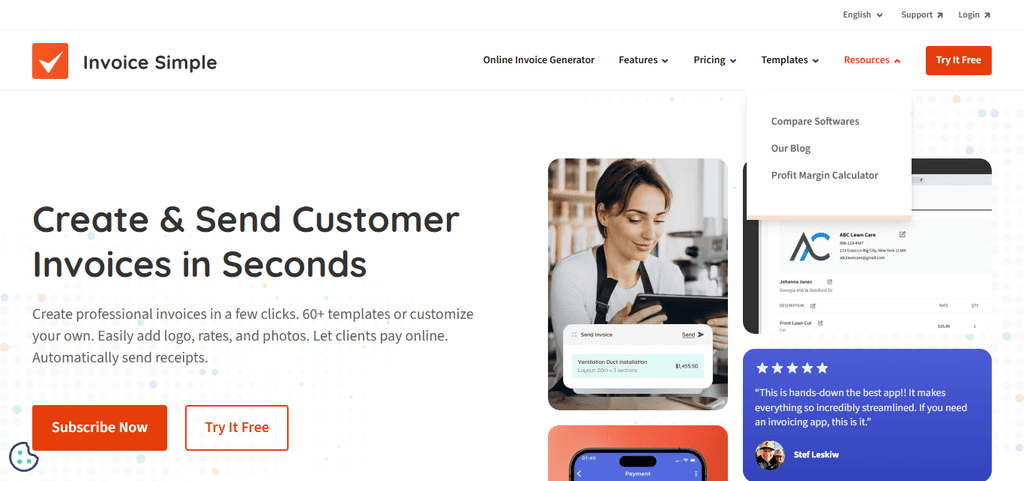
Expense tracking includes receipt scanning, while reporting helps users keep track of revenue and business spending. Its app for mobile supports invoice creation and payment status monitoring. Paid plans are also partially determined by monthly invoice limits. Higher tiers provide unlimited invoices. Before subscribing, check current prices and payment availability for your country.
Invoice Simple Pros & Cons
| Pros | Cons |
|---|---|
| Makes creating professional invoices straightforward. | Free usage may be limited by plan restrictions. |
| Supports estimates and invoice sharing. | Advanced accounting features are limited. |
| Offers convenient mobile invoicing tools. | Subscription costs may be high for frequent users. |
| Suitable for contractors and independent professionals. | Integration options may be narrower than larger platforms. |
7. Harvest
Best for Agencies and consultants who bill per project or per hour If you have a priority for accurate time tracking and project budgeting, Harvest is a strong FreshBooks alternative for invoicing.
Users can log billable hours, track expenses, monitor project budgets, and turn tracked work into invoices for clients. Supported payment and accounting integrations connect billing with financial workflows, including services like Stripe, QuickBooks Online, and Xero.
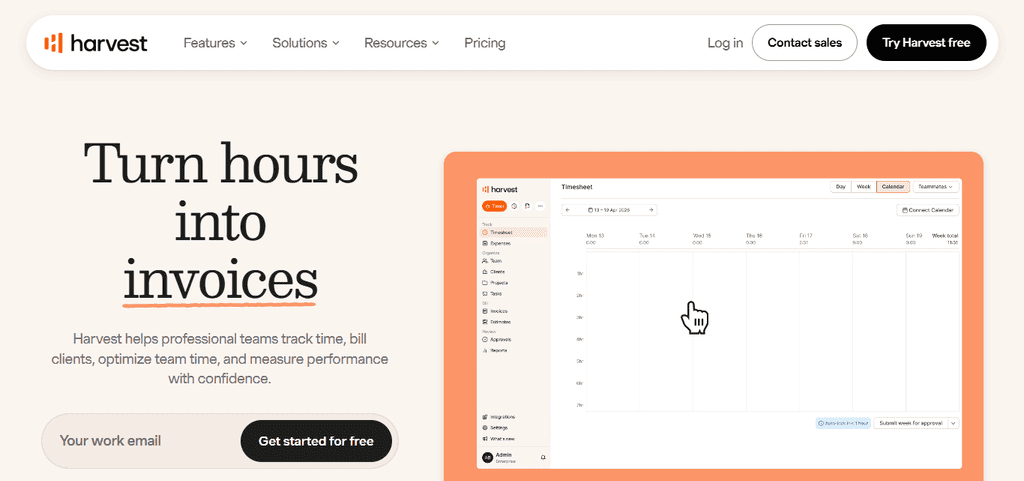
Harvest has a free plan for a single seat and two projects, and its paid Teams and Enterprise plans are for larger teams and more advanced reporting needs. Work across devices. Desktop, web and mobile apps. Especially useful for agencies and consultants who need clarity on project profitability
Harvest Pros & Cons
| Pros | Cons |
|---|---|
| Combines time tracking with client invoicing. | Less comprehensive for full accounting management. |
| Tracks project budgets and billable hours. | The free plan has project and user limits. |
| Supports expense tracking and project reporting. | Some integrations may require additional subscriptions. |
| Useful for agencies and consulting businesses. | May be less suitable for product-based businesses. |
8. Bonsai
Best for freelancers who handle clients, contracts and payments Bonsai is one of the top FreshBooks alternatives for invoicing freelancers who want all their billing and client management in one spot.
Also included are proposals, contracts and client portals, as well as its invoicing and payment features, which come with the Essentials plan and higher. Expense tracking helps users organize business costs and time tracking supports billable project work. Higher plans add reporting and integrations to tools like Quickbooks, Xero and Zapier.
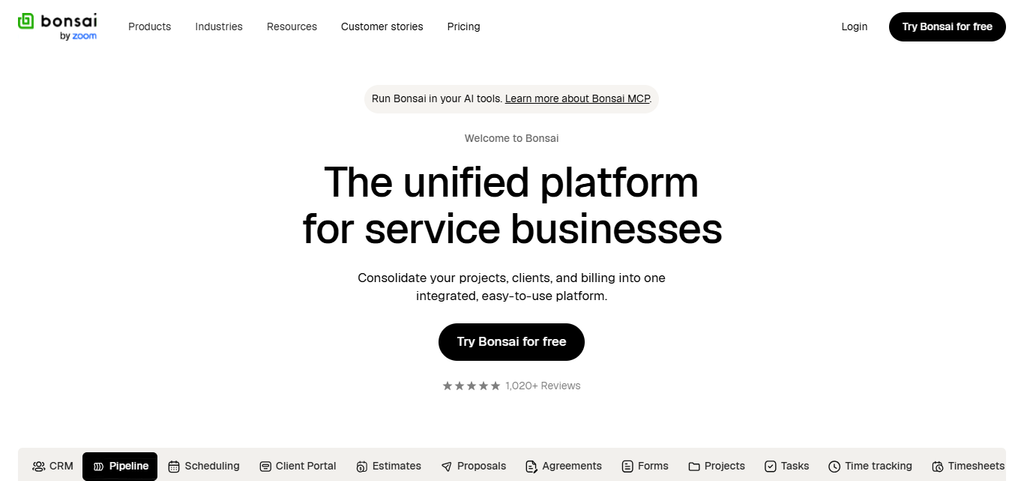
Bonsai has iOS and Android apps to help you manage your work on the move. Costs of subscription are based on the plan and billing frequency, so freelancers should consider the included features against the per-user pricing before upgrading.
Bonsai Pros & Cons
| Pros | Cons |
|---|---|
| Combines invoicing with contracts and proposals. | Most business management features require a paid plan. |
| Includes client management and time tracking. | Subscription costs may be high for occasional freelancers. |
| Helps organize expenses and project workflows. | Some features depend on regional availability. |
| Provides mobile access to business management tools. | Advanced customization may be limited for complex businesses. |
9. Moxie
Great for freelancers looking for an all-in-one business workspace Moxie is a top FreshBooks alternative for invoicing because it combines billing with proposals, contracts, client management and project workflows.
It offers invoicing, payment tools, time tracking and basic accounting, while expense management helps freelancers track expenses and assign them to clients or projects. Additional higher tiers include workflow automation, client portals, API integrations and quickbooks connectivity.
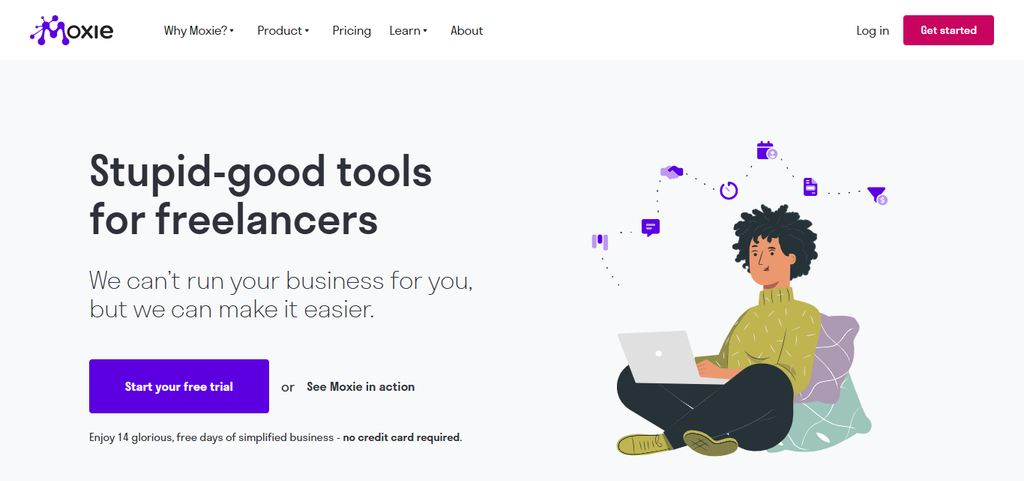
Moxie uses a subscription pricing model, with options for both individual freelancers and small teams. See details of your plan for mobile functionality and payment methods supported in your region. It’s particularly well-suited for independent professionals who want to manage several aspects of their business in one workspace.
Moxie Pros & Cons
| Pros | Cons |
|---|---|
| Combines invoicing with client and project management. | May offer more features than basic users need. |
| Supports contracts, proposals, and time tracking. | Subscription fees apply to its paid service. |
| Helps freelancers manage business workflows centrally. | Third-party integration options may be limited compared with larger platforms. |
| Includes tools for organizing client relationships. | Users should verify mobile capabilities and plan-specific features. |
10. InvoiceBerry
Great for small businesses wanting simple invoice management InvoiceBerry is a straightforward FreshBooks alternative for small businesses that only need basic invoicing and expense organization. It offers unlimited invoices, recurring billing, customizable templates, quotes, credit notes and customer payments through supported payment services.
Expense tracking helps businesses to track expenses and their invoices. The price is $15/month for Solo, $30 for Pro and $45 for Ultra with varying limits on clients and users. You get a 14-day free trial.
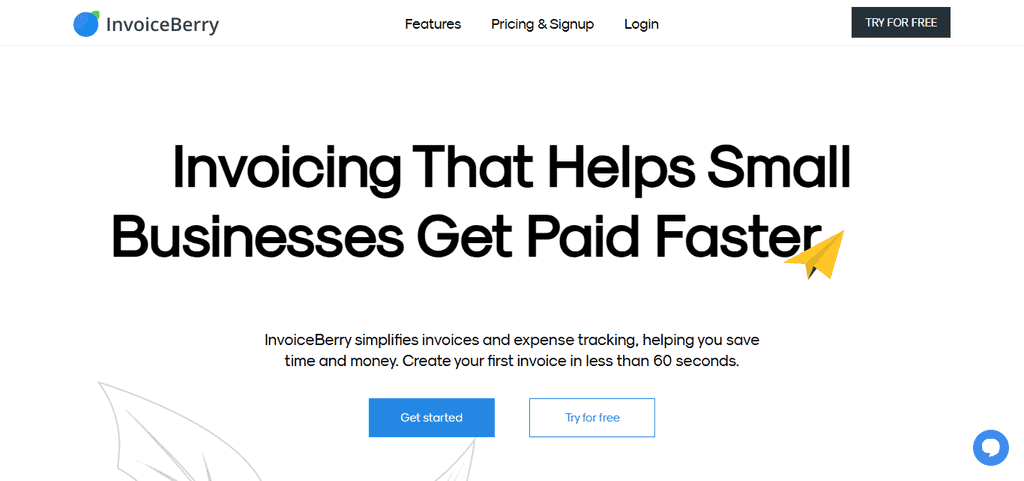
The higher plans support bigger client lists and teams, but before selecting InvoiceBerry for more complicated workflows users should check integrations, time-tracking features and mobile app availability.
InvoiceBerry Pros & Cons
| Pros | Cons |
|---|---|
| Provides simple invoice creation and recurring billing. | No permanently free full-featured plan is generally advertised. |
| Supports expense tracking and customizable templates. | Advanced accounting tools are limited. |
| Offers plans for different business sizes. | Time-tracking functionality may not meet every user’s needs. |
| Helps small businesses manage client billing. | Integration and mobile capabilities may be less extensive than competitors. |
How To Pick the Best FreshBooks Alternative
- Calculate the cost of subscriptions and fees to process payments: Determine the cost of monthly or annual subscriptions, transaction fees and any other fees so you can figure out the cost of using each platform.
- Verify Supported Payment Gateways in Your Country: Ensure that the software supports payment methods available in your country, including credit cards, bank transfers, and online payment services.
- Assess Integrations With Your Existing Business Tools: Check if it can integrate with your accounting software, CRM systems, project management tools, and other applications to minimize manual work and enhance productivity.
- Consider Client Limits, Team Access and Future Growth: Choose a platform that can support your current number of clients and team size and has affordable options for growth as your business grows.
- Test the Interface and Mobile App Before Signing Up: Look for free trials or free plans to assess usability, invoice customization, mobile features, and ease of managing payments on the go.
Conclusion
Conclusion Selecting the Best FreshBooks Alternatives for Invoicing is based on your budget, size of business, and billing needs. Wave and Zoho Invoice are best for budget-conscious invoicing, while Xero and QuickBooks Online have a more complete set of accounting features.
Harvest is the best for time tracking, and Bonsai is perfect for freelancer workflows. Compare pricing, payment options, integrations and scalability to ensure you pick the right invoicing software for your business.
FAQ
What are the best FreshBooks alternatives for invoicing?
Wave, Xero, QuickBooks Online, Zoho Invoice, and Invoice Ninja are popular alternatives.
Which alternative offers free invoicing?
Wave and Zoho Invoice offer free invoicing options.
Which tool suits freelancers?
Bonsai, Harvest, and Invoice Simple serve freelancers well.
Which alternative offers accounting features?
Xero and QuickBooks Online provide comprehensive accounting tools.
