
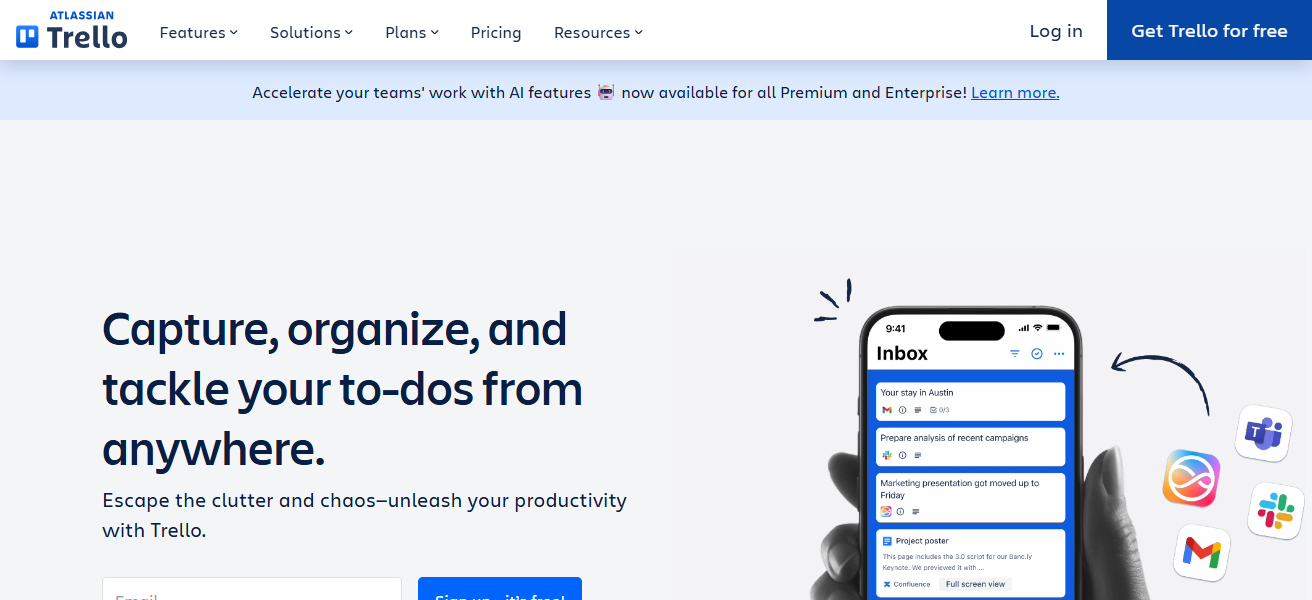
So, here I am talking about the Best Trello Alternatives for Teams to have good productivity and collaboration. Trello is popular; however, many teams require more advanced features, flexibility or customization.
We are already aware that task management software plays a crucial role in making it easier for teams to keep track of their projects, collaborations and who is responsible for the job.
Key Points & Best Trello Alternatives for Teams
ClickUp – All-in-one project management tool offering tasks, docs, goals, and time tracking efficiently.
Monday.com – Visual workflow platform enabling teams to manage projects, automate tasks, and track progress.
Asana – Organizes work, assigns tasks, and tracks project deadlines with clarity and collaboration.
Notion – Flexible workspace combining notes, databases, and tasks for team organization and knowledge management.
Jira – Robust software development tool for agile teams to track issues, sprints, and project progress.
Wrike – Cloud-based project management software with task tracking, reporting, and team collaboration features.
Airtable – Spreadsheet-database hybrid platform for managing projects, content, and workflows visually and flexibly.
MeisterTask – Kanban-style task manager enabling teams to collaborate, track progress, and automate workflows.
Kanbanchi – Google Workspace-integrated project management tool with boards, tasks, and time tracking features.
Zoho Projects – Comprehensive project management platform with task management, Gantt charts, and collaboration tools.
10 Best Trello Alternatives for Teams
1. ClickUp
The best Trello alternatives out there for teams: ClickUp — clickup.comClickUp is one of the best Trello alternatives because it brings versatility and efficiency to the same tool. Trello only has Kanban boards
Whereas ClickUp provides lists, calendars, timelines and Gantt charts in addition to Kanban boards — that gives teams a choice as to how they want to organize work.
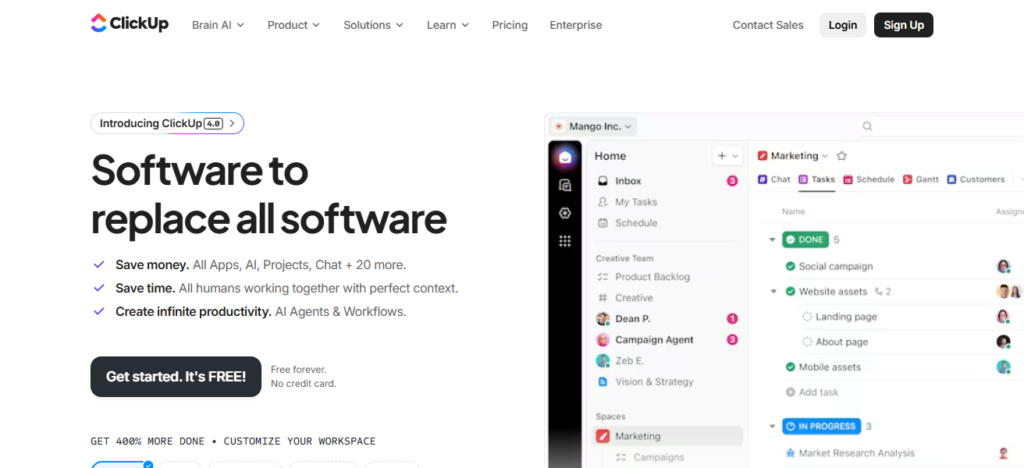
It is solid team’s capability to unify task, docs, goal and chat together which rarely app providing this in single united way. Tools for customizing workflows, automation and setting priorities make it easy to run complicated projects.
Whether for big enterprises or small startups, ClickUp can scale according to team needs, fostering collaboration and meeting deadlines—indeed a truly all-in-one productivity app.
| Feature | Description |
|---|---|
| Task Management | Organize tasks with lists, boards, and priorities. |
| Multiple Views | Kanban, Gantt, calendar, and timeline views. |
| Docs & Notes | Create documents, wikis, and knowledge bases. |
| Goals & Tracking | Track progress with goals, milestones, and dashboards. |
| Automation | Automate repetitive tasks and reminders. |
| Collaboration | Real-time comments, chat, and mentions. |
| Integrations | Connects with tools like Slack, Google Workspace, and more. |
2. Monday.com
Monday. com is the best Trello alternative for teams because it turns project management into an easy-to-use visual experience. Its detail is unique strength and its highly customizable workflows can help teams build boards tailored to their processes, be it in marketing, development or operations.
Monday. com saves redundant tasks and syncs everyone. Unlike Trello, it includes advanced reporting and time-tracking capabilities — providing managers with full visibility over progress.
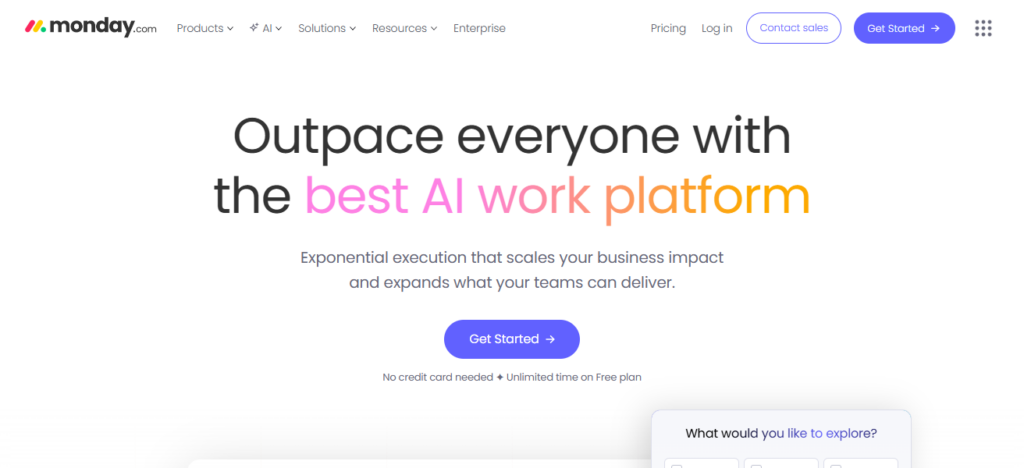
Its user-friendly interface guarantees rapid onboarding and its adaptability allows it to accommodate teams of any size, making Monday. com is an amazing platform for increasing collaboration and productivity.
| Feature | Description |
|---|---|
| Custom Workflows | Build boards tailored to team processes. |
| Visual Project Tracking | Kanban, timeline, calendar, and Gantt views. |
| Automation | Reduce repetitive tasks with automated workflows. |
| Integrations | Supports Slack, Zoom, Google Workspace, and more. |
| Reporting & Analytics | Track project progress and team performance. |
| Collaboration | Team updates, file sharing, and notifications. |
| Time Tracking | Monitor task durations and deadlines. |
3. Asana
Among all Trello alternatives, Asana is a strong contender for teams as it aims at simplifying management of tasks and projects without breaking up the collaboration process. Its knighting feature is visualizing work in even more ways — as lists, boards, timelines and calendars — so teams can accommodate the workflow to what a project requires.
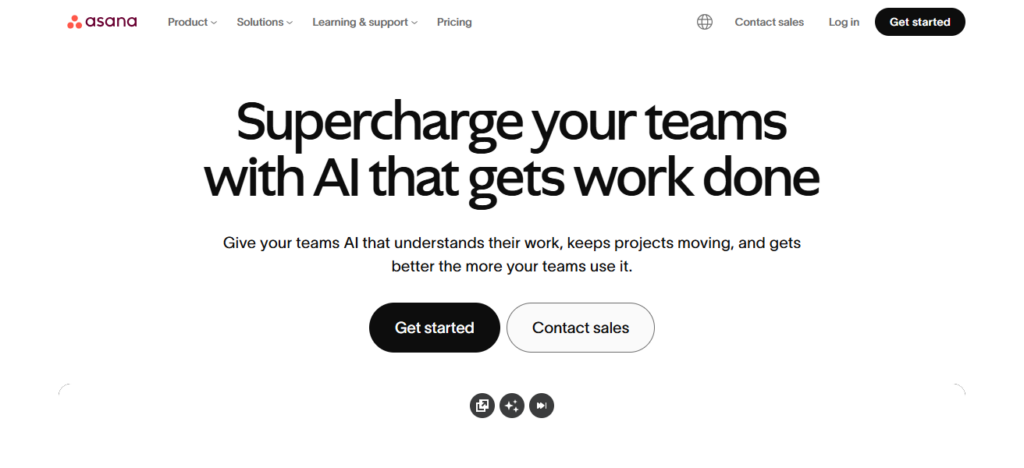
Asana’s powerful tools for managing task dependencies, subtasks and progress tracking make it simple to break complex projects into actionable steps, so no detail falls through the cracks.
Combine automation to minimize repetitive work and integrate with popular tools, and teams remain efficient and aligned. Asana’s user-friendly interface and configurable setup make it great for teams of any size, increasing productivity and transparency.
| Feature | Description |
|---|---|
| Task Management | Assign tasks, subtasks, and priorities. |
| Multiple Views | Lists, boards, timeline, and calendar views. |
| Project Templates | Prebuilt templates for faster setup. |
| Dependencies | Track task relationships and workflow order. |
| Automation | Automate recurring tasks and notifications. |
| Collaboration | Comments, attachments, and team discussions. |
| Reporting | Visual project tracking and progress dashboards. |
4. Notion
Notion is one of the best Trello alternatives for teams because it combines project management with knowledge management in a single, flexible workspace. Unlike Trello, Notion allows teams to create custom databases, wikis, notes, and task boards all in one platform, eliminating the need for multiple apps.
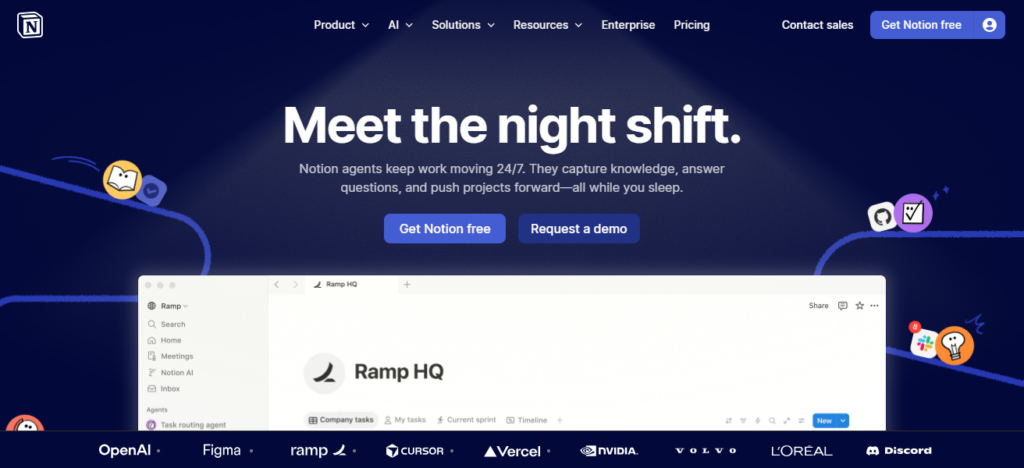
Its unique strength lies in its adaptability—teams can design workflows, templates, and dashboards tailored to their specific projects. Real-time collaboration, seamless linking between pages, and powerful organization tools make information easily accessible.
For teams seeking both task management and a centralized knowledge hub, Notion boosts productivity, transparency, and creative collaboration efficiently.
| Feature | Description |
|---|---|
| Custom Workspaces | Build pages, databases, and wikis. |
| Task Boards | Kanban boards for project management. |
| Notes & Docs | Centralized documentation and note-taking. |
| Templates | Prebuilt templates for teams and workflows. |
| Linking & Relations | Connect pages and databases easily. |
| Collaboration | Real-time editing, comments, and sharing. |
| Flexible Views | Table, list, gallery, calendar, and board views. |
5. Jira
Jira is one of the best Trello alternatives for teams, especially in software development and technical projects as it was made to manage complex workflows with precision. Epics, sprints, scrum boards, kanban boards and customized issue tracking are just a few of its features that have made it an incomparable ally when teams need to plan, track and ship software.
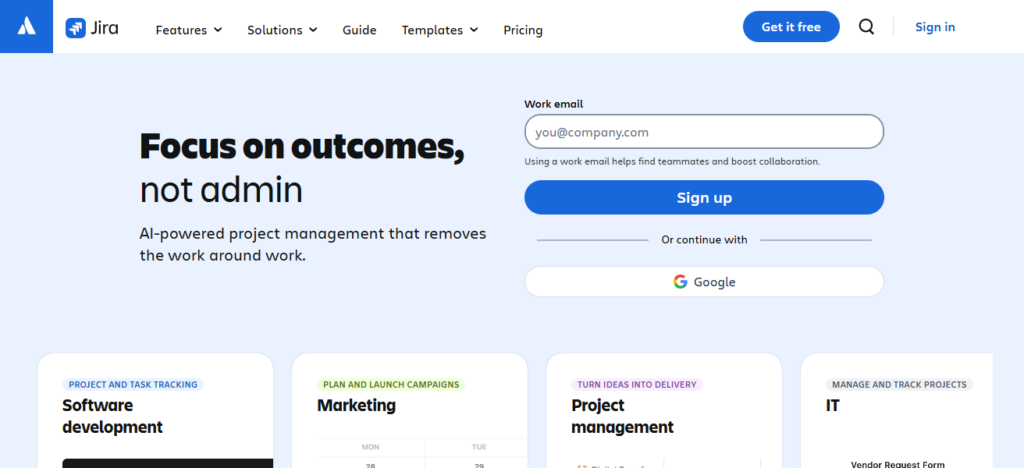
Whereas Trello is more concerned with flow, Jira offers reporting capabilities, bug tracking, and integration with development tools to provide full visibility into progress and bottlenecks.
With automation, permissions, and scalable workflows, Jira provides a strong solution for technical project management and ensures large and distributed teams are organized, collaborative, and productive.
| Feature | Description |
|---|---|
| Agile Boards | Scrum and Kanban boards for software teams. |
| Issue Tracking | Track bugs, tasks, and feature requests. |
| Sprints & Backlogs | Plan iterative work and manage backlogs. |
| Reports & Analytics | Burnup, burndown, velocity, and more. |
| Automation | Workflow automation for tasks and notifications. |
| Integrations | Connects with GitHub, Slack, Confluence, and more. |
| Permissions & Security | Granular user access control for teams. |
6. Wrike
Wrike is a great Trello alternative for teams because it offers the best of both project management and real-time collaboration and reporting. One of its most popular aspects is the customizable workflows, dashboards and Gantt charts that allow teams to have total control over how projects are planned and completed.
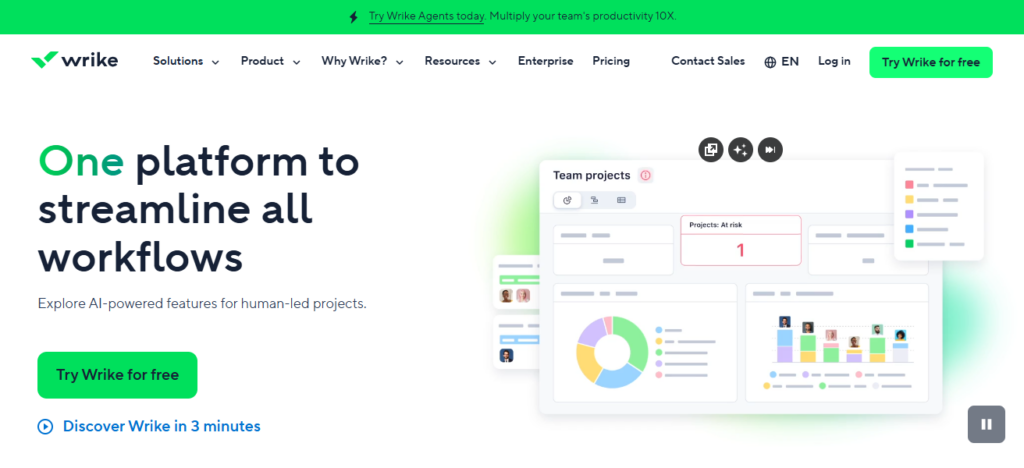
In contrast to Trello, Wrike provides advanced time tracking and task prioritization features, allowing managers to optimize resources and ensure deadlines are met. By enabling document sharing, real-time updates and seamless integrations
Teams can work together without sacrificing visibility. Wrike’s flexibility and scalability make it fit for use by both small teams and large enterprises improving productivity, accountability and overall success of projects.
| Feature | Description |
|---|---|
| Task Management | Create and assign tasks with priorities. |
| Gantt Charts | Visualize project timelines and dependencies. |
| Custom Workflows | Tailor workflows for team processes. |
| Reporting & Analytics | Track progress and team performance. |
| Time Tracking | Monitor hours and task durations. |
| Collaboration | Comments, file sharing, and notifications. |
| Integrations | Works with Slack, Google Workspace, and more. |
7. Airtable
Airtable brings you the simplicity of spreadsheets and the functions of a database, allowing for great flexibility in managing projects, which makes it your next best alternative to Trello if this kind of collaboration fits perfectly for his teams. Its unique power is its ability to visually organize tasks, track projects and manage complex data with grids, Kanban boards, calendars and galleries.
While Trello is inherently a organizational tool, Airtable can help coworkers link records and create relational databases, making it easier to work on projects together by automating repetitive workflows.
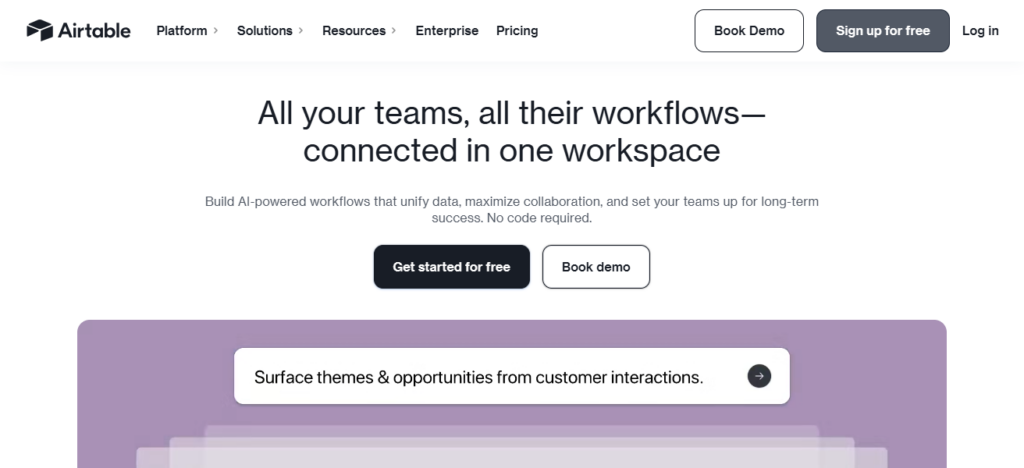
With real-time updates, integrations with tools you already use and customizable templates, Airtable allows teams to work smarter, not harder. It works well for creative, technical & operational projects of all sizes.
| Feature | Description |
|---|---|
| Spreadsheet-Database Hybrid | Organize projects in tables with relational data. |
| Multiple Views | Grid, Kanban, gallery, calendar, and timeline. |
| Linking Records | Connect tasks, projects, and databases. |
| Automation | Reduce repetitive work with automated workflows. |
| Collaboration | Real-time editing and commenting. |
| Templates | Prebuilt templates for various industries. |
| Integrations | Connect with Slack, Gmail, and other apps. |
8. MeisterTask
MeisterTask is one of the best Trello alternatives for teams because it hierarchies your projects into list and board views and brings effortlessness to your collaboration as well as automation with each task.
Its secret sauce is its clean, visual interface that allows every team member to organise tasks, set deadlines and track the progress with ease. MeisterTask, unlike Trello, includes multiple features like built-in time tracking, recurring tasks, and workflow automation that allow teams to save time and minimize manual work.
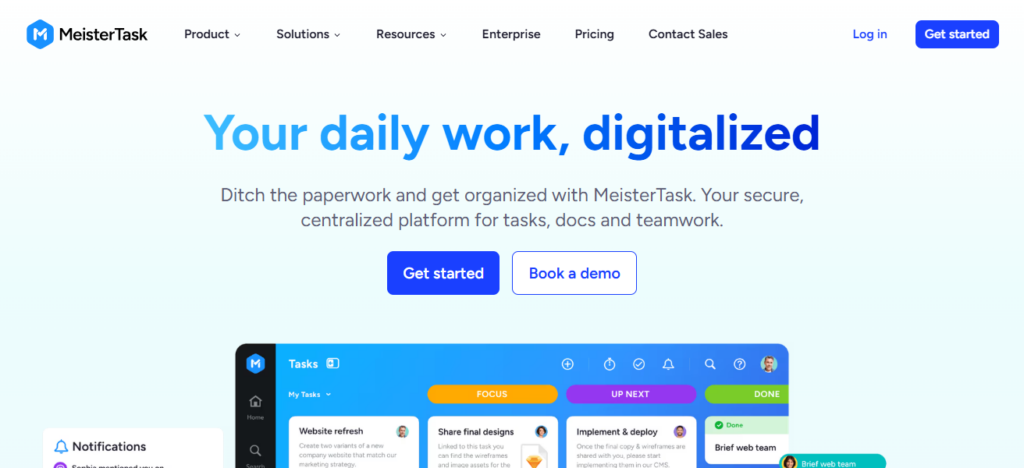
Collaboration anywhere: Keep working from meetings and channels using integrations with Slack, Google Workspace & MindMeister. MeisterTask offers you a flexible and user-friendly platform to help increase efficiency, accountability, and real-time collaboration across teams available for small teams as well as large custom projects.
| Feature | Description |
|---|---|
| Kanban Boards | Visual task management with drag-and-drop. |
| Time Tracking | Track hours for tasks and projects. |
| Recurring Tasks | Automate repetitive assignments. |
| Collaboration | Team discussions, comments, and mentions. |
| Automation | Set triggers for task updates and notifications. |
| Integrations | Works with Slack, Google Workspace, and MindMeister. |
| Customizable Workflows | Tailor boards and task pipelines to team needs. |
9. Kanbanchi
Kanbanchi is a solid choice as a Trello alternative for teams, creating an integrated team experience with Kanban boards + Gantt charts + time tracking — all inside Google Workspace. Its great strength is its blend of visual task management with project planning tools
So that teams can plan and schedule work and track progress all in one app. Kanbanchi is different from Trello, the second one provides real-time collaboration; it enables task dependencies and workload management that allow you to manage complex projects.
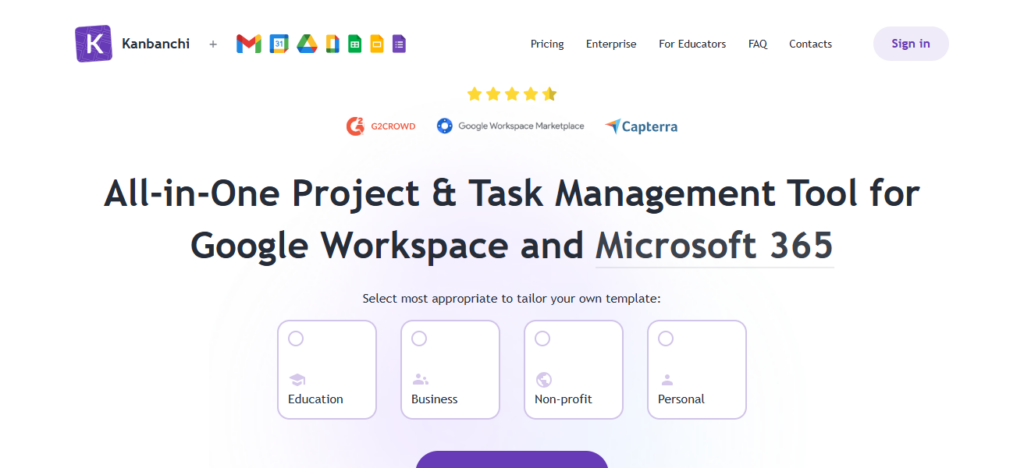
This enables teams to keep aligned and efficient, with automatic syncing to Google Drive and intuitive drag-and-drop functionality. For organizations that are already on Google Workspace, Kanbanchi is a centralized productivity and project management solution easier than Intercom.
| Feature | Description |
|---|---|
| Kanban Boards | Organize tasks visually within Google Workspace. |
| Gantt Charts | Plan and visualize project timelines. |
| Time Tracking | Monitor work hours on tasks. |
| Task Dependencies | Link tasks to manage workflow order. |
| Collaboration | Real-time updates, comments, and file sharing. |
| Google Integration | Seamless sync with Google Drive and Calendar. |
| Customizable Boards | Adapt boards to team-specific workflows. |
10. Zoho Projects
Zoho Projects is an outstanding Trello alternative for teams because it joins extensive project management capabilities with simplified collaboration tools. Its unique strength is the way it can manage tasks, time and visualize progress with Gantt charts, Kanban boards and milestones from within one platform.
Dozens Zoho Missions provides additional read capacity, advanced automation structures, custom process defining tools and detailed planning reporting that groups require to optimize processes and appropriately influenced choice making (Trello is no longer its distribution).
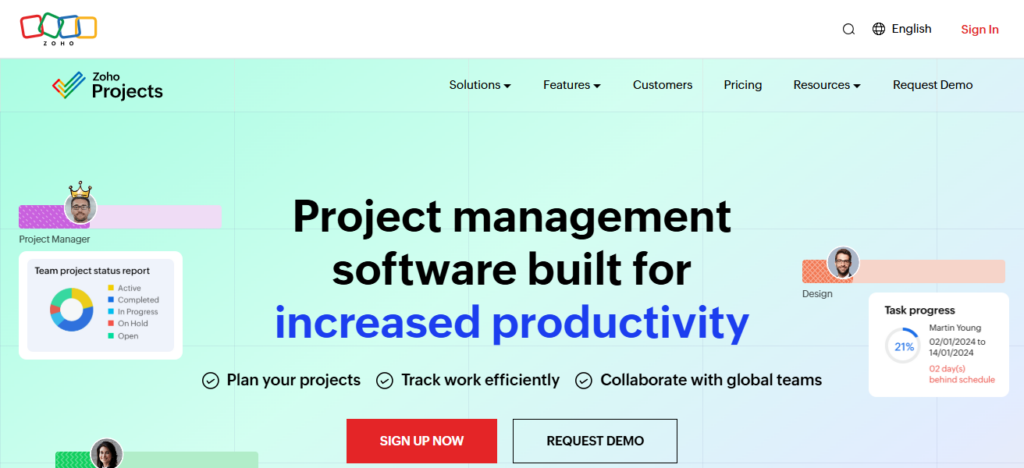
Teams can efficiently centralize work with built-in document management, discussion forums, and integration with other Zoho apps. Thus, Zoho Projects is meant for increasing productivity, accountability and collaboration throughout small to large-scale teams.
| Feature | Description |
|---|---|
| Task Management | Create tasks, subtasks, and milestones. |
| Kanban & Gantt | Visualize projects using multiple formats. |
| Time Tracking | Track task durations and team productivity. |
| Automation | Streamline workflows with custom rules. |
| Collaboration | Forums, chats, and document sharing. |
| Reporting | Generate detailed project and resource reports. |
| Integrations | Works with Zoho apps and third-party tools. |
Conclusion
Finally, Trello has become the de-facto project management tool, but these Best Trello Alternatives for Teams provide far more flexibility, enhanced features and collaboration tools than just using Trello.
Platforms like ClickUp, Asana, Monday. Platforms like Asana, Trello, com and Jira offer customizable workflows, automations and real-time tracking that can be tailored to different team needs. The right one can increase productivity, establish project management methodology, and keep teams focused and organized.
FAQ
What is a Trello alternative?
A tool that offers similar task and project management features as Trello.
Why choose an alternative to Trello?
To get more advanced features, customization, or better collaboration options.
Which teams benefit most from Trello alternatives?
Small, medium, and large teams needing flexible project workflows.
Is ClickUp better than Trello?
Yes, for all-in-one task, docs, goals, and automation features.